
Foundations
How to Play Calculation Solitaire
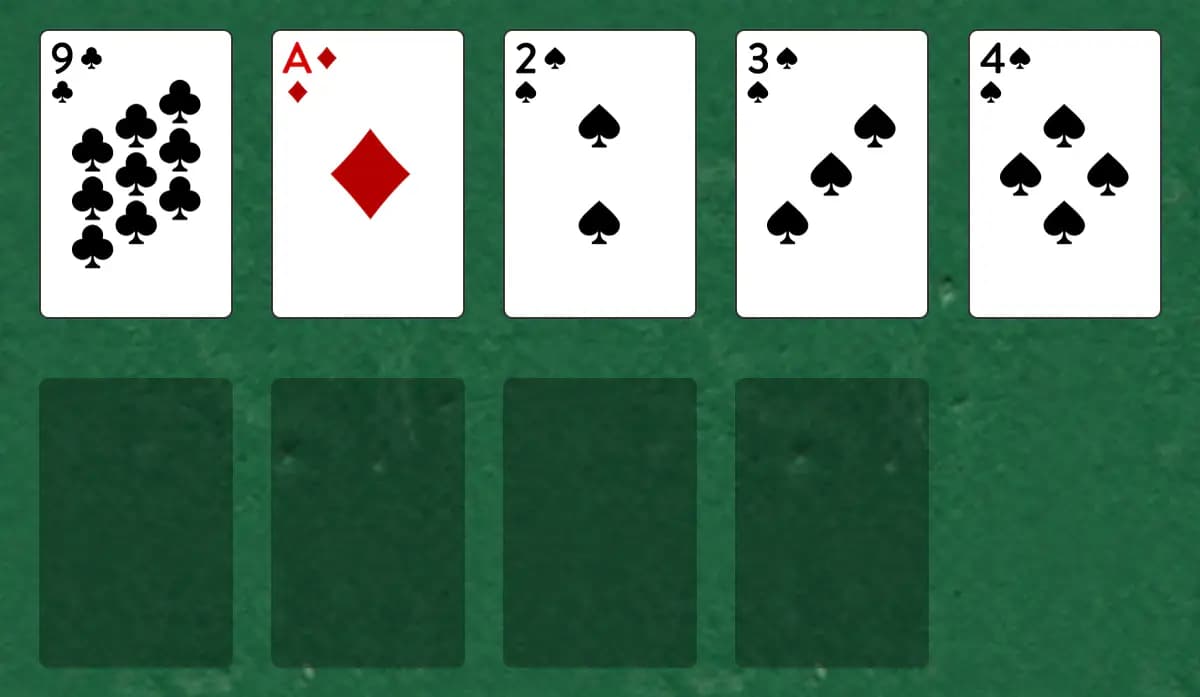
A puzzle-like game where four foundation piles build by different increments instead of the usual by-one. Each foundation follows its own rhythm, making this a brain-teaser that rewards careful planning.
Calculation is also known as Broken Intervals and Hopscotch.
Setup
- Take one Ace, 2, 3, and 4 from the deck and place them in the foundation row (they start each pile)
- Keep the remaining 48 cards in a stock pile
- Arrange four empty reserve piles below the stock
How to play
- The top card of the stock is always playable. Move it to a foundation or reserve pile.
- Each foundation pile builds by a different amount: the first by 1s, second by 2s, third by 3s, fourth by 4s. Ranks wrap around (King continues to Ace).
- For example: the first foundation (started with Ace) goes A→2→3→4..., the second (started with 2) goes 2→4→6→8..., and so on
- Any card can be placed on a reserve pile regardless of rank or suit, whether it's empty or already has cards on it—use them as temporary holding areas
- Only the top card of each reserve pile can be played; you must clear them out when they block needed cards
- When the stock empties, you're done. There's no redeal.
- Cards automatically move to the foundations once no other card can be built on them in the reserve. You can turn this off in Settings if you prefer to move them manually.
How to win
Objective: Build all four foundation piles complete to win
You win when all 52 cards are on the foundations in the correct sequences. If you can't move the remaining stock cards, you've lost.
Tips
- Plan several moves ahead, since a card buried in a reserve pile can be hard to reach again
- Use reserve piles strategically to temporarily hold cards blocking your sequences
- Remember the different increment patterns and which foundation needs which ranks
Play Calculation free on Windows
CardTray is a free solitaire app for Windows that includes Calculation alongside 300+ other games. It saves every move as you play, so you can close the window and pick the game up later, replay any deal, and take on a new Daily Challenge deal every day. Browse every game in the Game Gallery.
Related games
More games from the Foundations family:
- Double Dot — Double Dot deals with four foundation piles already holding a starting card and eight tableau piles of single face-up cards.
- Mount Olympus — A two-deck game where odd-ranked cards (Ace, 3, 5, 7, 9, Jack, King) build separately from even-ranked cards (2, 4, 6, 8, 10, Queen), creating parallel sequences you must navigate between.
- Boulevard — A complex two-deck game with two separate foundation suites—one climbing from Ace and another from Two, each jumping two ranks at a time—giving multiple paths to victory.
The tool for this — Game Gallery
Every game in one library: Klondike, Spider, FreeCell, Pyramid, Golf, Yukon and three hundred more. Each one shows a preview of its opening deal and how often you've played and won it. Learn more about the Game Gallery.
Windows 10/11 (x64) · Free · No account