
Free solitaire for Windows
300+ solo card games, one free app
Klondike, Spider, FreeCell, Pyramid and about 320 more, in one tray app. Every move is saved, every deal can be played again exactly, and there is a new winnable deal every day.
- About 320 games
- No ads, no account
- Saved on every move
See it in action
The window, before you install anything
A hands-off walkthrough of the actual app: the Game Gallery, the Daily Challenge, your history and your records.
Inside the app
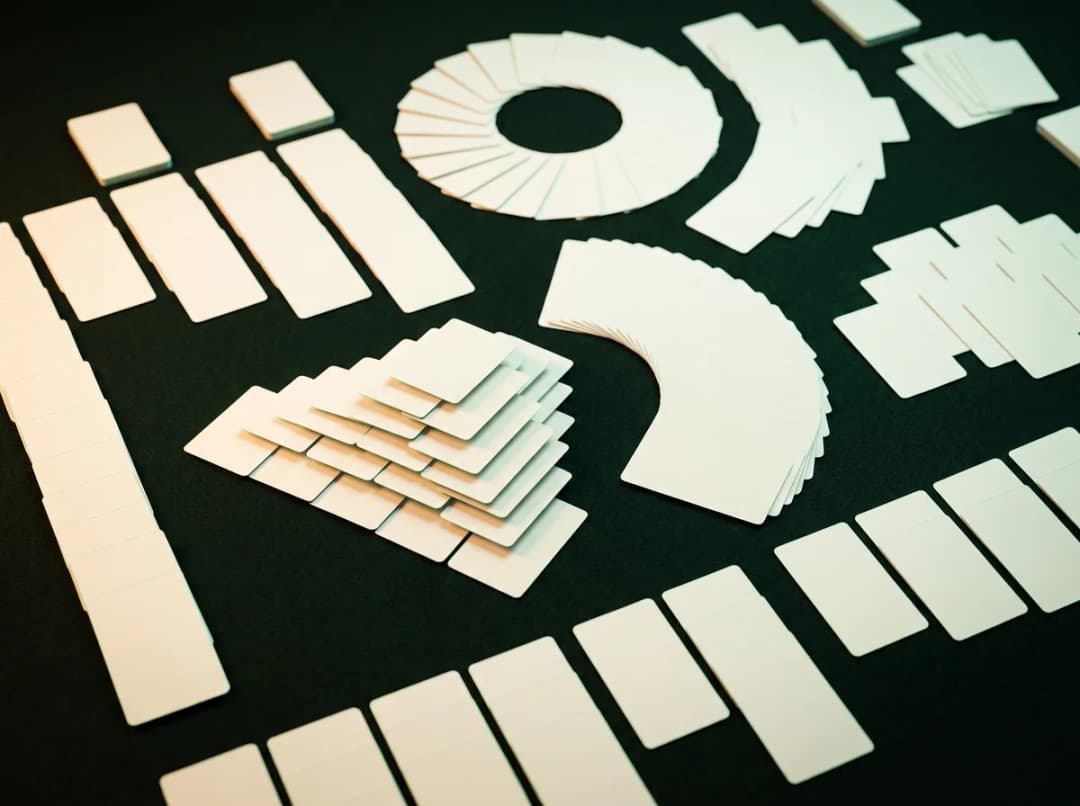
More than a deck of cards
One library of games, and everything around it that makes you want to deal again tomorrow.


Why CardTray
A place to play, not a page to wait on
Most free solitaire lives in a browser tab between ads. CardTray is a proper app on your PC, and it remembers everything.
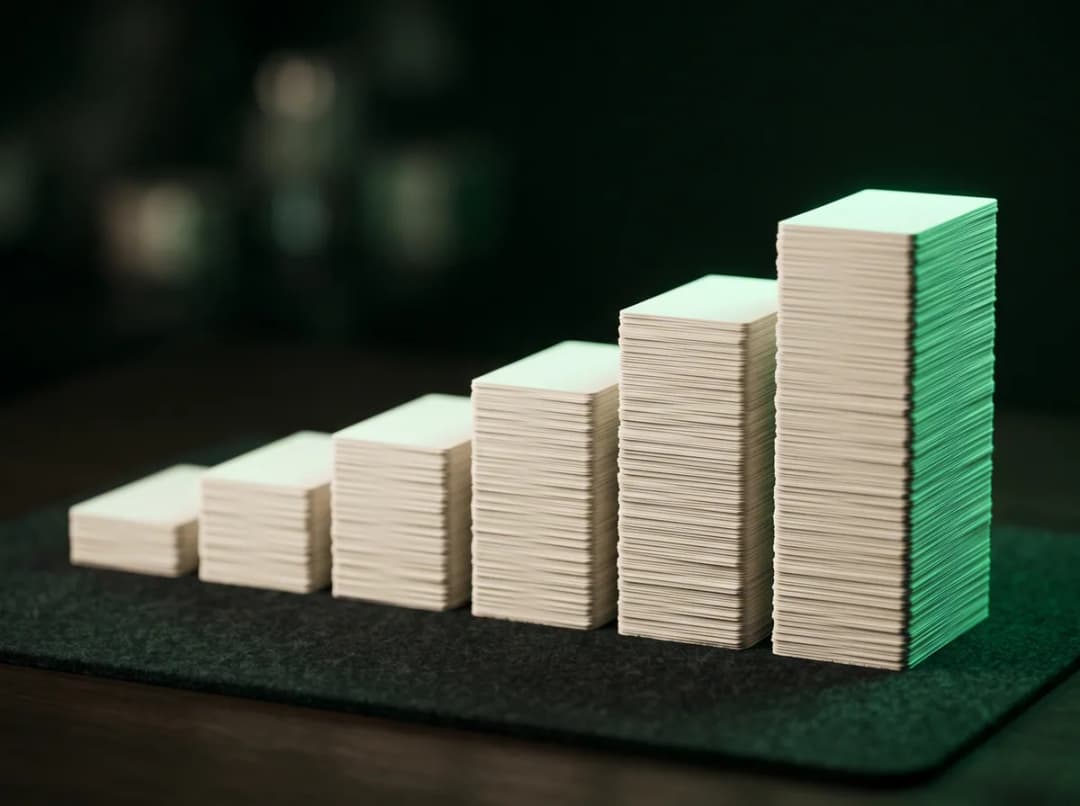
Nothing is ever lost
Every move is saved before the next one. Quit, crash or restart Windows and you come back to the exact move, clock included.
Any deal, again, exactly
A game is a deal number plus your moves. Try again, beat your best on the same cards, watch it back, or take over from move 40.
A reason to come back
A new deal every day, proven winnable. A streak to keep, a calendar to fill, and a personal best on yesterday's deal to beat.
Transparent funding
How CardTray stays free
CardTray shares a slice of your device’s idle internet bandwidth, when it can, through Massive, our vetted partner. That is what pays for the app, instead of a subscription, a paid deck, or an ad between every hand. It relays other people’s ordinary web traffic. It never reads your games or your disk.
- Disclosed before anything runsSpelled out at install — you agree to it, or you don't install.
- Never your gamesIt relays other parties' traffic. Your saves and history stay on your PC.
- Keeps running in the backgroundIn the tray, with a visible icon and a working Exit.
- You can turn it offOne switch in Settings. The games pause while it is off.
Turning sharing off pauses the games. That is the trade, and the app says so plainly rather than letting you find out. Your game is saved, and your stats, replays and themes stay open. While sharing is on, nothing is metered or held back. Don’t want to take part at all? Uninstalling ends it completely.
Read exactly how it's funded- On your PCGames, saves and records never leave it
- No adsNot between hands, not over the board
- Signed installerCode-signed by Clearware, and it updates itself
How it works
From install to first deal in a minute
No account, nothing to download after install, and no tutorial to sit through.
- 1
Install it
Run the installer. Every game, deck, table and sound is inside it, and CardTray opens on the Game Gallery.
- 2
Pick a game
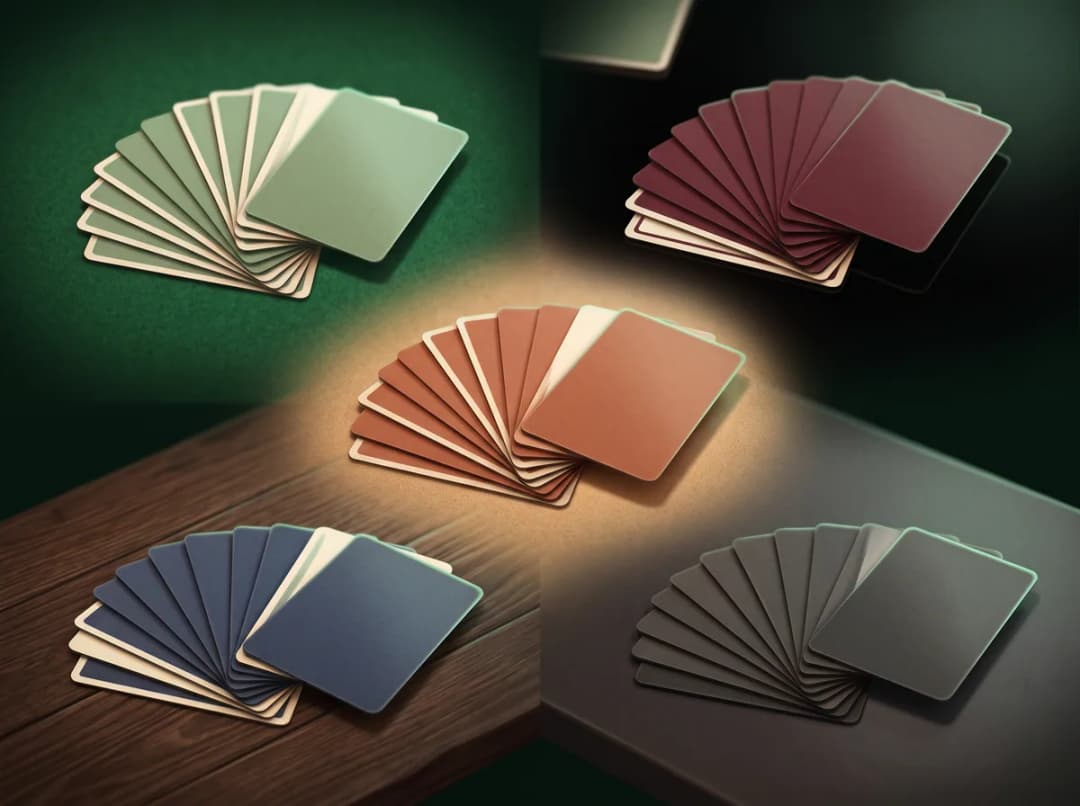
Choose a family from the fan of cards, or search for the game you know by name.
- 3
Play, and come back
Close the window whenever you like. Your game waits in the tray, and so does tomorrow's Daily Challenge.
The fine print, up front
What to know before you install
The things you would otherwise find out afterwards.
Games pause when sharing is off
Bandwidth sharing is what pays for CardTray, so starting or continuing a game needs it on. Switch it off and play pauses. Your game is saved, and your stats, replays and themes stay open.
Sharing doesn't stop while you play
There is no automatic pause on metered connections and no back-off while you use the network. Sharing runs while CardTray does, and only one Clearware app shares at a time.
The Daily unlocks as games are verified
Every Daily is drawn from fully verified games so a streak can never be lost to a rules bug. Until the first games pass verification there is no Daily, and achievements don't move yet either.
Most games are still Beta
A Beta game is fully playable and counts toward your stats, but its rules are still being checked and may change. Not every deal of every game can be won.
It's a big download
Six full decks, the tables and the sounds are all in the installer, so it is much larger than our other apps. In exchange, nothing is downloaded later.
Windows only, and no sync
Windows 10 and 11 (64-bit). There are no accounts, so your history lives on one PC. Uninstalling keeps it, in case you come back.
The longer versions: how it's fundedwhat we collect
Deal yourself in
Get CardTray
About 320 solitaire games, saved on every move, with a new winnable deal every day. Free.
Windows 10 & 11 · free
No account, no ads, and nothing to download after install.
Questions
Before you install
The things people ask first.